

One photo. Every piece.
Turn One Outfit Photo Into Separate Wardrobe Items with Moda Lens
Digitizing your closet should not mean photographing every garment one at a time.
Moda Lens is Alamoda's AI wardrobe scanner. Start with one clear flat-lay or full-outfit photo, and it finds the visible clothes and accessories, separates them into individual pieces, and suggests useful item details for your review.
Choose the pieces you want, create clean product-style images, and add them to your digital wardrobe together—or carry the new items directly into Alamoda's Outfit Creator.
One photo in. A more useful wardrobe out.
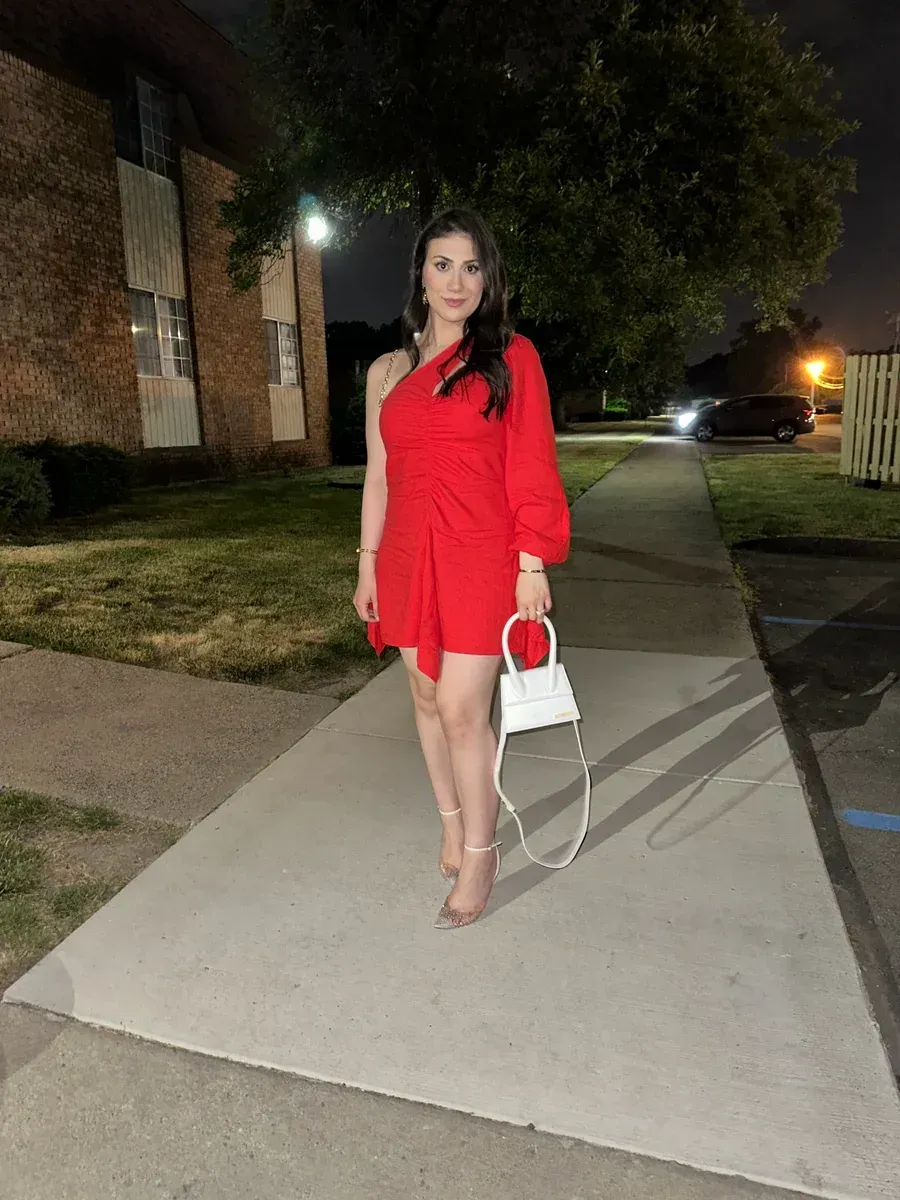
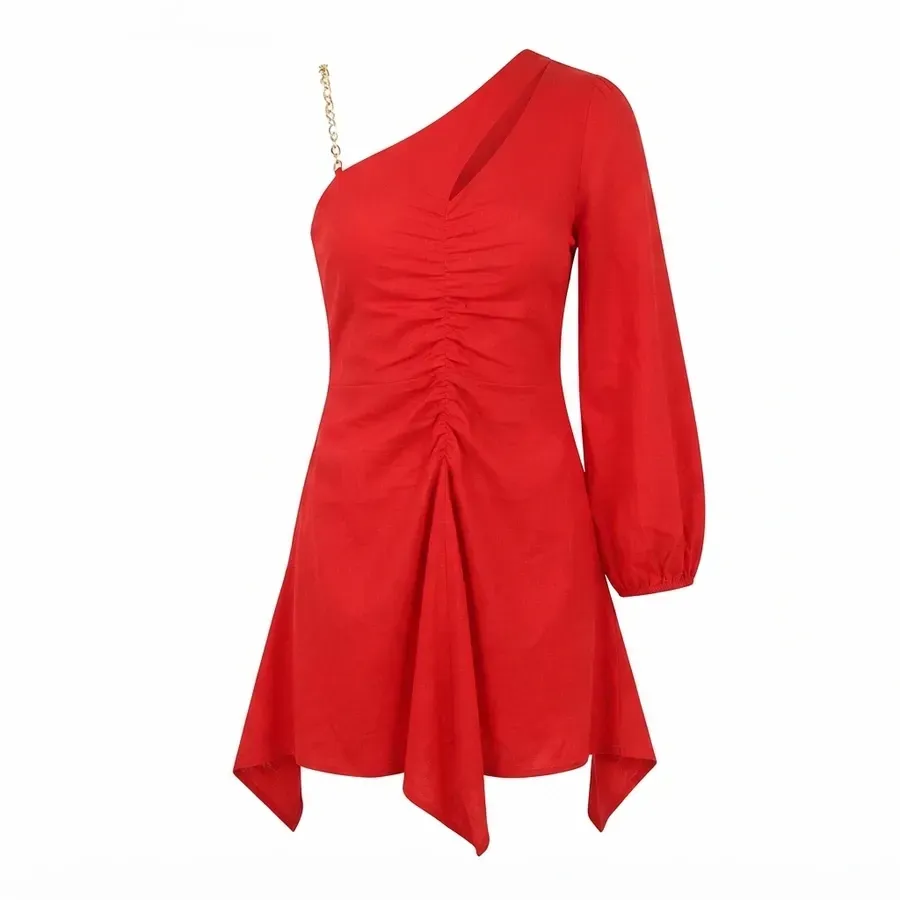
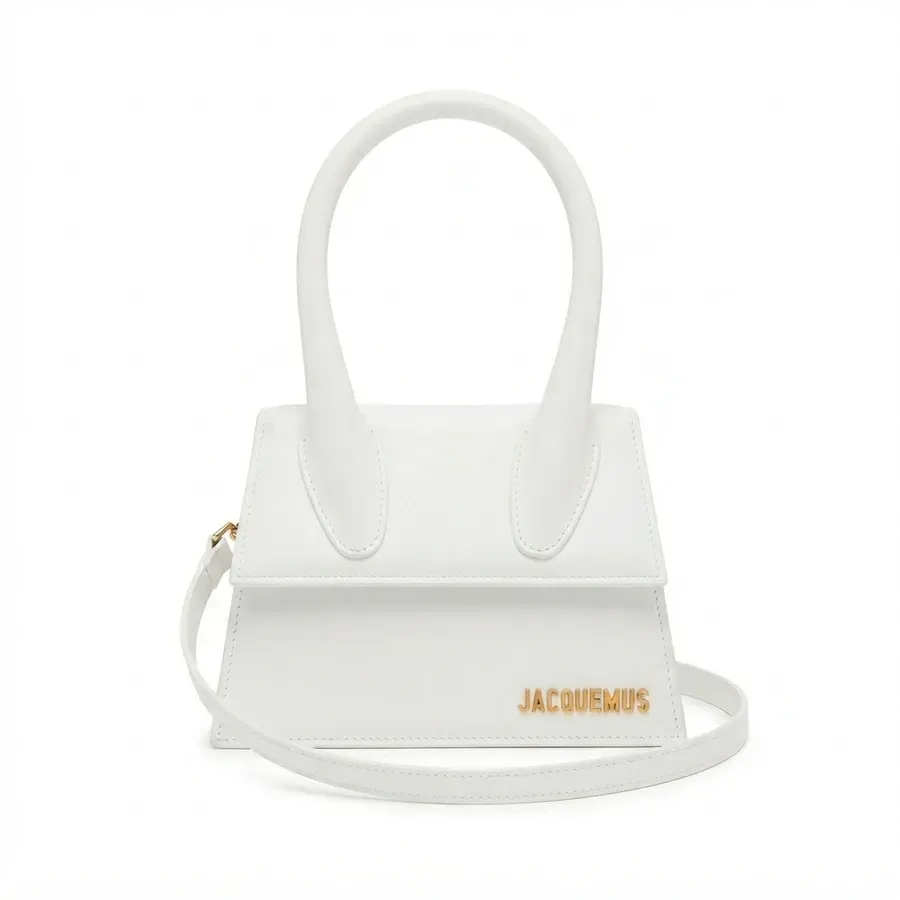
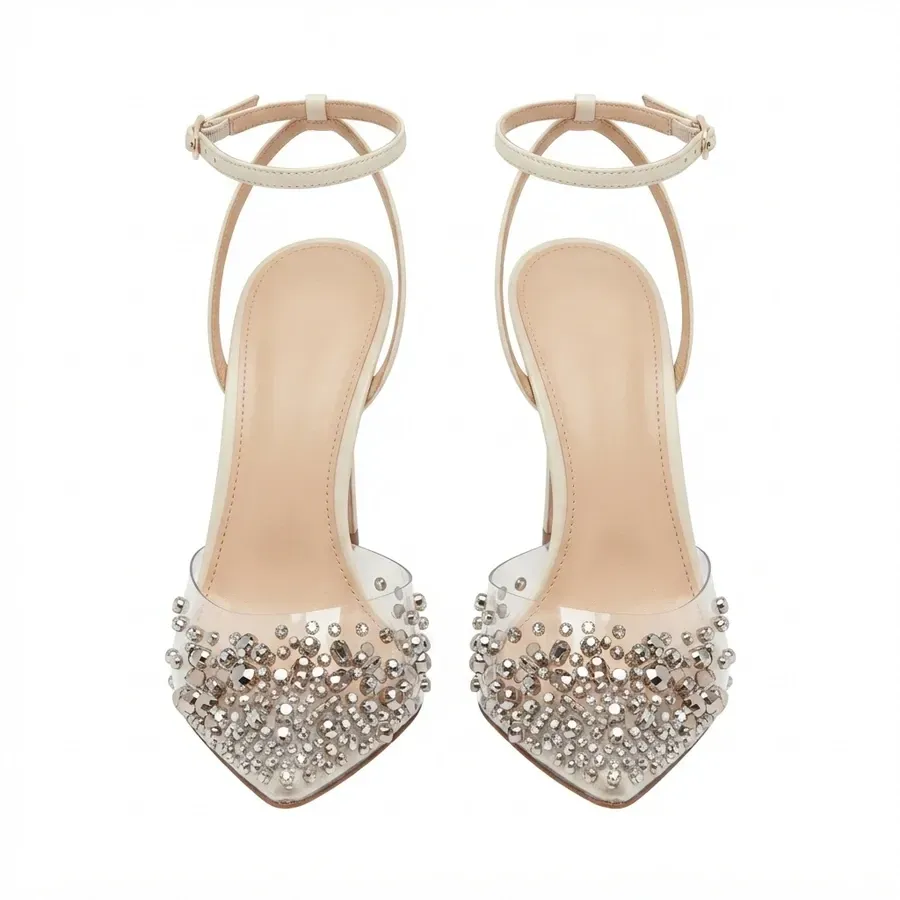
Photo to wardrobe
What Is Moda Lens?
Moda Lens is a faster way to add several visible clothing pieces from the same photo. Instead of cropping a dress, handbag, and pair of shoes yourself—or starting three separate upload flows—you give Alamoda one image to analyze.
The app marks the pieces it detects and creates an individual review card for each one. It also suggests a short item name, category, colors, seasons, and additional styling information when the visual evidence supports it.
You remain in control of the final wardrobe. Select only the items you want, edit the suggested details when needed, and leave out anything that does not belong in your closet.
The complete flow
How to Use Moda Lens
- Choose a photo. Use your camera or photo library, then crop the image so the clothing remains easy to see.
- Process the image. Moda Lens identifies visible clothes and accessories and prepares a separate preview for each detected piece.
- Review the pieces. Check the numbered markers, select what belongs in your closet, and deselect anything you do not want to add.
- Confirm the details. Review the suggested name, category, colors, and seasons. Edit anything that needs a human touch.
- Create clean images. Generate a product-style view for each selected piece so it appears clearly in your digital wardrobe.
- Choose your next step. Add the batch to your closet or save the items and open them together in the Outfit Creator.
One connected flow—from a real outfit photo to organized, reusable wardrobe pieces.
You make the final call
Review What Moda Lens Finds Before Anything Is Saved
AI can make wardrobe setup faster, but your judgment is what makes the result personal and accurate. Moda Lens presents the detected items as a reviewable batch instead of silently adding them to your closet.
Match the marker
Connect each numbered card to the piece marked in the original photo.
Select intentionally
Keep the pieces you want and remove anything that should not enter your wardrobe.
Check the details
Confirm the name, category, colors, and seasonal suggestions before saving.
Edit when needed
Correct a suggestion or add the extra information that matters to you.
- Item name
- Category
- Colors
- Seasons
- Style details
From outfit to individual items
Create Clean Product-Style Views for Your Digital Wardrobe
A crop from the original photo is useful for confirming what Moda Lens found. A clean image is more useful after the piece enters your closet. It gives each garment or accessory its own clear visual identity when you search, filter, plan, or create outfits later.
More than an upload tool
Save the Pieces—or Start Styling Them Immediately
Moda Lens connects the setup step to the rest of Alamoda. Once every selected item has a clean image, you can choose the ending that matches what you want to do next.
Option one
Add the items to your closet
Save the selected pieces as individual wardrobe items. They become available for search, filters, outfit planning, travel planning, laundry tracking, and future Moda AI suggestions.
Option two
Create an outfit from the items
Save the batch and open the new pieces together in the Outfit Creator. Arrange the look, add a title or visual details, and keep developing the outfit while the idea is still fresh.
Better input, cleaner results
How to Take a Better Photo for Moda Lens
Moda Lens can work with a flat lay or a full-outfit photo. Whichever format you choose, clarity gives the system better visual evidence.
Show the whole piece
Keep garment edges, shoes, bags, and accessories inside the frame.
Reduce overlap
Leave some space between flat-lay items and avoid covering one garment with another.
Use even light
Avoid deep shadows, glare, and backgrounds that closely match the clothing.
Keep it sharp
Use a clear image instead of a blurry, heavily filtered, or distant photo.
A useful review habit
What to Check Before You Save
Detection
Confirm that every selected card corresponds to the intended piece in your photo.
Details
Review names, categories, colors, seasons, and any other suggested information.
Clean image
Compare the generated product view with the real item, especially where parts were hidden.
This short review keeps your digital wardrobe trustworthy. If a photo is too crowded or a piece is mostly obscured, changing the photo can be more useful than trying to correct an uncertain result.
Frequently asked questions
Questions About Moda Lens
What does Moda Lens do?
Moda Lens finds visible clothing and accessories in one photo, prepares separate item previews, suggests wardrobe details, and lets you choose which pieces receive clean product-style images before saving.
Can Moda Lens add more than one clothing item at a time?
Yes. Its main purpose is to process several visible pieces from the same photo as a reviewable batch. The current app can detect up to eight candidates in one image, while the number you can save also depends on the available space in your closet.
Should I use a flat lay or a photo of someone wearing the outfit?
Either can work. A flat lay often makes separation easier because pieces can be spaced apart. A full-outfit photo is also useful when each garment and accessory remains clearly visible.
Does Moda Lens automatically save everything it finds?
No. You review the detected pieces, choose what you want, and confirm the details before saving. You can deselect items or edit their information.
Are the clean images exact product photographs?
No. They are AI-created catalog-style views based on the visible reference. Hidden areas may be reconstructed and small details can vary, so compare the result with the real item before saving it.
Does Moda Lens use Moda AI credits?
Detecting and reviewing the pieces comes before image generation. At the time of writing, each new clean product image costs one Moda AI credit, and Alamoda shows the total before you create the images. Failed generations are refunded.
Does Moda Lens need an internet connection?
Yes. The feature needs an internet connection to find, classify, and create clean views of the pieces. Alamoda also asks for consent before the photo is processed by AI.
Can I make an outfit immediately after using Moda Lens?
Yes. After the selected items have clean images, you can add them to your closet or save them and open the batch in Alamoda's Outfit Creator.
Ready to spend less time uploading?
Turn One Photo Into a Wardrobe You Can Style
Use Moda Lens to find the pieces, clean up the visuals, and move from closet setup to outfit creation in one connected Alamoda flow.
Download Alamoda on iPhone or Android